Powerful tools for seamless conversations
Everything your agents need to handle conversations efficiently — from real-time translation to AI-powered suggestions and organized responses.
Real-Time Multilingual Translation
Break language barriers instantly. Customer messages are automatically translated to the agent's language, and agent replies are translated back to the customer's language — all in under one second.
- Automatic language detection for incoming messages
- Bi-directional translation — both customer and agent see their preferred language
- Support for 50+ languages including all major SEA languages
- Context-aware translation preserving tone and intent
- Translation memory for consistent terminology
- Option to view original message alongside translation
AI Suggested Responses
AI analyzes incoming messages and suggests contextually relevant replies based on conversation history and knowledge base content. Agents approve, edit, or ignore with one click.
- Real-time suggestions as messages arrive
- Context from full conversation history
- Pulls from knowledge base and past interactions
- Confidence scoring for each suggestion
- One-click approve, edit, or ignore
- Learns from agent corrections to improve accuracy
Canned Responses
Pre-written responses your team uses frequently. Organized by categories, searchable, and scoped by brand, channel, or team group for relevance.
- Organize responses into folders and categories
- Quick search with keyboard shortcuts
- Variable placeholders for personalization
- Scope responses by brand, channel, or team
- Rich text formatting and media support
- Usage analytics to identify top responses
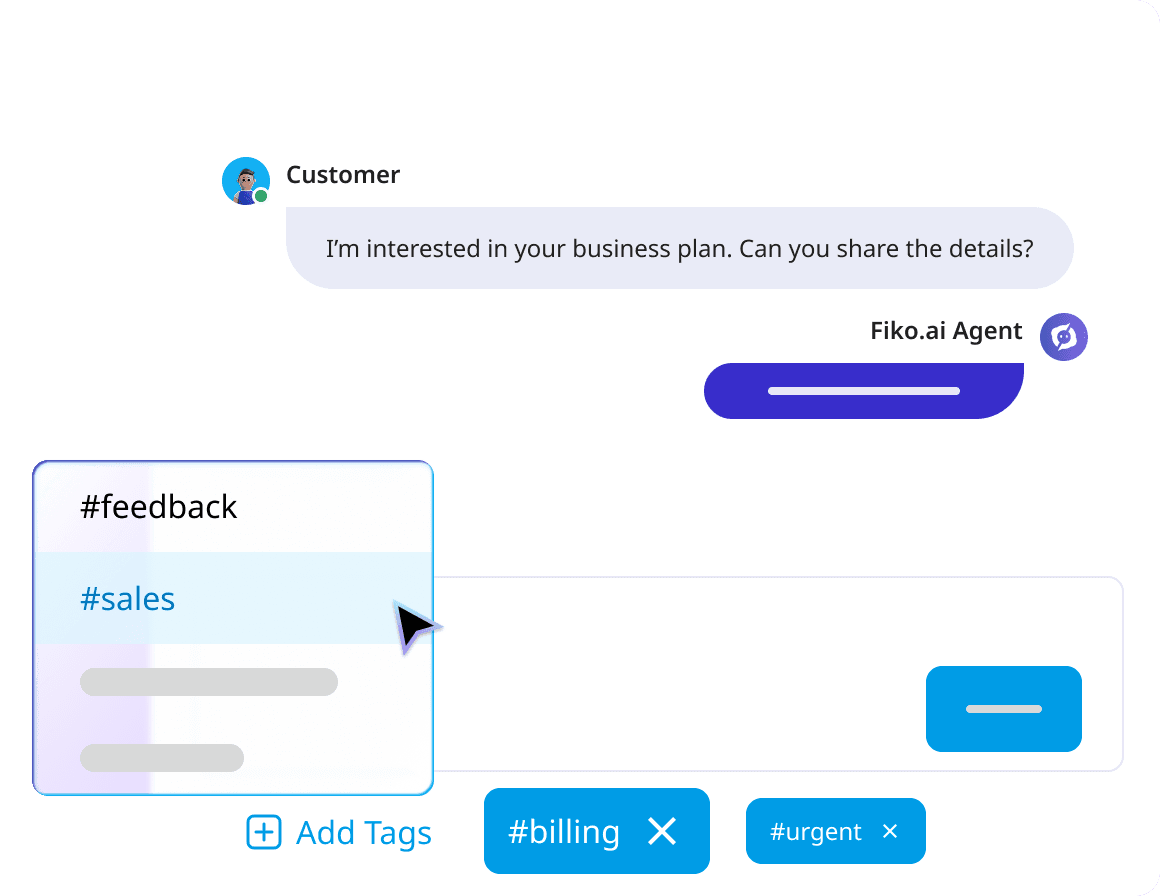
Chat Tags
Categorize and organize conversations with custom tags. Filter, search, and analyze chat patterns across your entire operation.
- Create unlimited custom tags
- Color-coded for quick visual identification
- Auto-tagging rules based on keywords or AI
- Tag-based routing and assignment
- Filter conversations by single or multiple tags
- Tag analytics and reporting
File Sharing
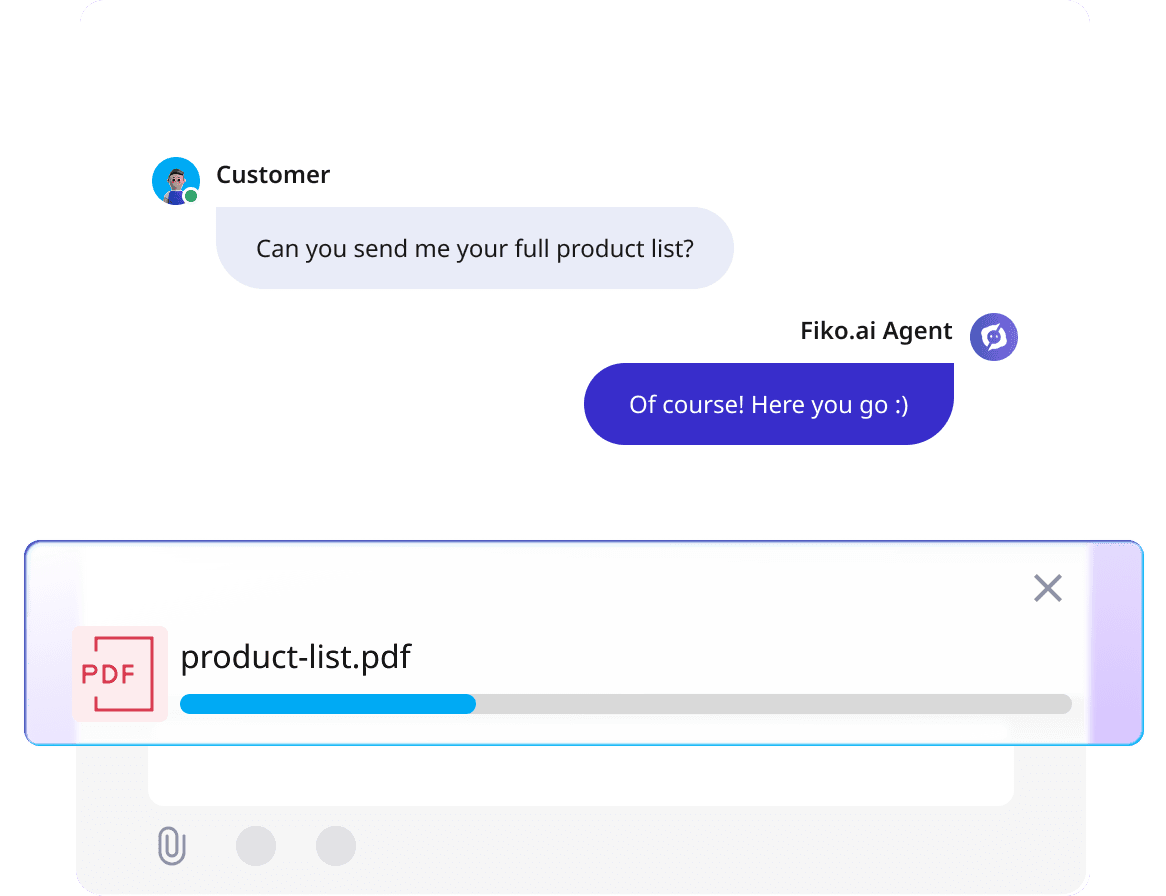
Send and receive files directly in chat. Support for images, documents, videos, and more — with previews and secure storage.
- Drag-and-drop file uploads
- Support for images, PDFs, documents, videos
- In-chat image previews and galleries
- Secure file storage with access controls
- File size limits configurable per channel
- Automatic virus scanning on uploads
Ready to transform your chat experience?
All chat tools included from day one. No feature gates. No upgrade walls.